
Save Pins from a public board
A public board or profile link can return up to 50 Pins from that page. Private boards are not read.
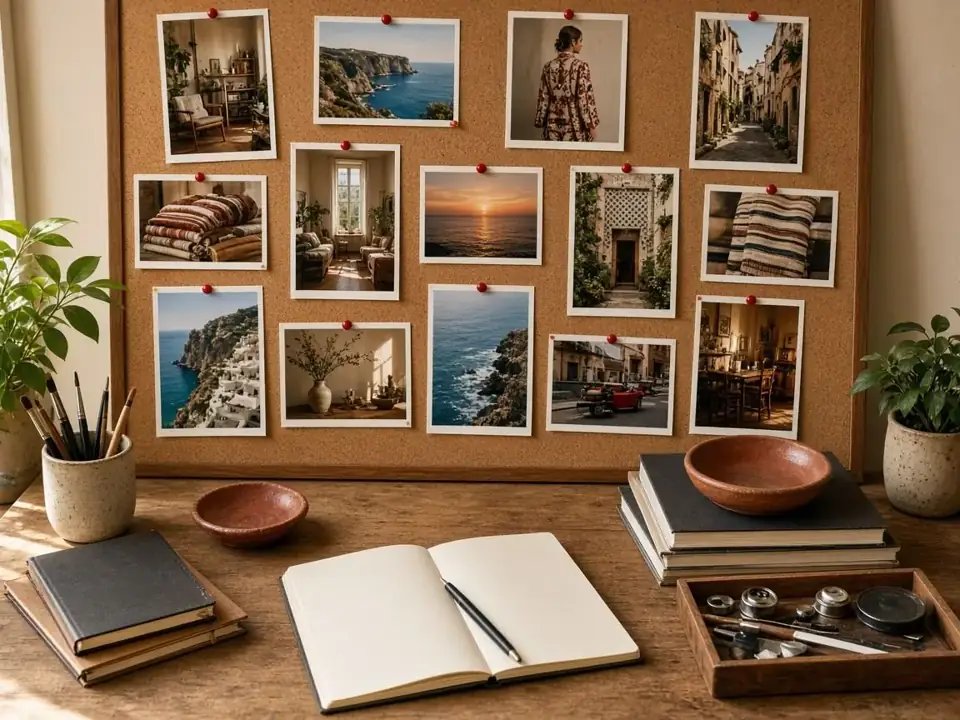
Paste the board address, the URL you see when the board is open in a browser. The lookup lists Pins it can read on that page, up to 50. It is the public surface of the board, not a backup of every Pin ever pinned to it.
What you get
Each Pin is its own file. A video is an MP4. A still is an image. A GIF stays a GIF when that is the source. Save the ones you want, or use Save all when the set is small. Sections of a board are easiest if you paste the section URL you have open.
What a board link is not
It is not a zip of the whole account. It does not open a secret board or an invitation. A profile works in a similar way on its own page: public Pins on that page, capped at 50. If 50 is not the Pin you needed, open that Pin and paste its link. One Pin is a direct save.
Collaborators
Being invited to a board does not make the invitation link a public URL. Those links are refused. If the board is public, use the normal board address instead of the invite.
Keeping the files
Downloaded files stay on your device even if the creator later deletes the Pin or you leave the board. A Pin you only saved inside Pinterest does not. That difference is the reason to download. You still need the right to keep the work.