
PintrestVideoDL
Downloader ng carousel ng Pinterest
I-save ang pampublikong Downloader ng carousel ng Pinterest sa file na ibinibigay ng Pinterest. Idikit ang link ng pin.it o Pinterest, tingnan muna ang resulta, at i-download ito sa browser mo. Walang account.
Idikit ang isang pampublikong link ng Pinterest. Gumagana ang maiikling link na pin.it.
I-save lang ang mga Pin na pinapayagan kang itago. Hindi kaakibat ng Pinterest ang PintrestVideoDL.
Paano mag-download ng video ng Pinterest

01
Kopyahin ang link ng Pin
Sa app ng Pinterest, buksan ang Pin, i-tap ang Ibahagi, tapos Kopyahin ang link. Sa website, kopyahin ang address bar. Sapat na ang link na pin.it.

02
Idikit dito
Ilagay ang link sa kahon at pindutin ang I-download. Tinatanggap ang mga domain ng bansa gaya ng pinterest.co.uk at pinterest.fr.

03
I-save ang file
Tingnan muna ang resulta, tapos pindutin ang I-save. Itinatago ng browser mo ang MP4, larawan, o GIF. Hindi namin hinihingi ang password ng Pinterest.
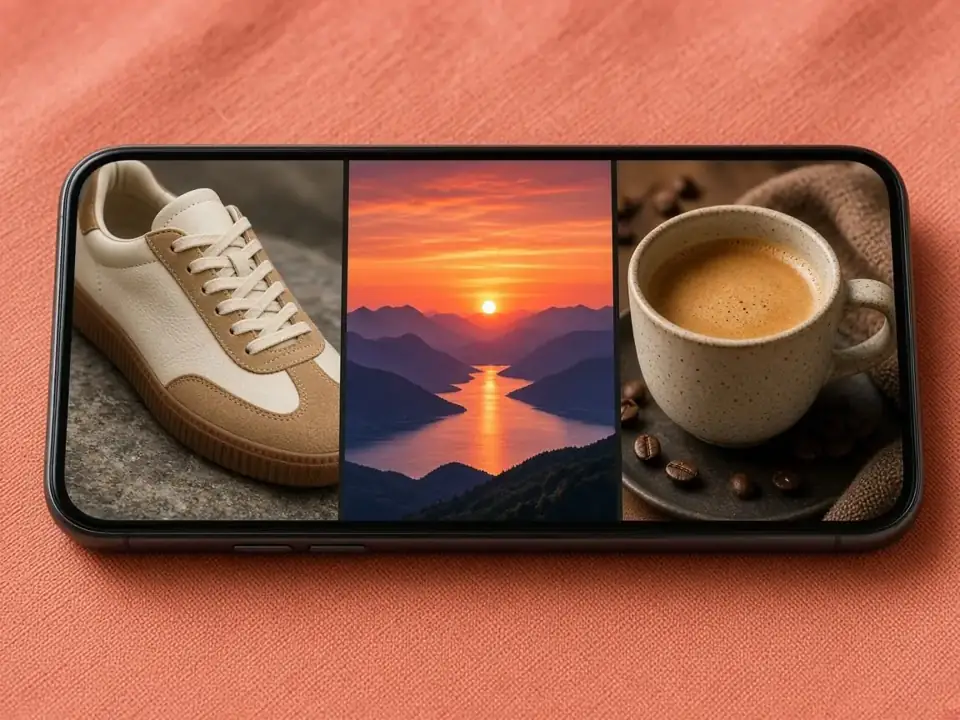
A carousel is one Pin with several slides. Swipe it on Pinterest and you see image, image, video, or a mix. Saving it means saving those slides, not a single combined movie unless Pinterest itself published one.
One link, several files
Paste the carousel link once. The result is a list in the order we can read the slides. Save one slide for a reference photo, or save the set. Each slide keeps its own type: a photo stays an image, a clip stays an MP4. There is no extra watermark and no re-encoding that would blur the slide.
Carousel versus board
A carousel is a few slides inside one Pin. A board is a collection of many Pins. If your URL looks like a username and a board name, use the board downloader. That page reads up to 50 public Pins from the board. Pasting a carousel into the board tool is unnecessary. The pin link is the right input here.
Phone and desktop
The Pinterest app copies a pin.it link from Share. Paste it as-is. On a computer, the address bar of the pin page works, including in.pinterest.com and other country sites. After you press Save, iPhone uses Files or Photos, Android uses Downloads, and a computer uses the browser download folder.
When a slide is missing
A slide that was removed, or a carousel on a secret board, will not appear. A public carousel that only has one slide left is still valid. You will simply see one file. If the whole lookup fails, the Pin is usually private, deleted, or not a Pinterest link.
Mga kaugnay na gamit
- Downloader ng larawan ng Pinterest
- Downloader ng GIF ng Pinterest
- Downloader ng story ng Pinterest
- Downloader ng Idea Pin ng Pinterest
- Downloader ng mga ideya ng Pinterest
- Downloader ng mga sagot ng Pinterest
- Downloader ng profile ng Pinterest
- Downloader ng board ng Pinterest
- Mag-download ng maraming Pin ng Pinterest
- Pinterest tungo sa MP4